
Introduction
For decades, Adobe Creative Cloud has been the undisputed titan of the creative industry. From freelance photographers to Hollywood film studios, the suite of apps provided by Adobe—Photoshop, Premiere Pro, Illustrator, and others—has set the standard for professional content creation. However, as subscription costs rise and the ‘Software as a Service’ (SaaS) model becomes more demanding, many creators are looking for a way out.
If you are weighing the costs of a monthly subscription against the capabilities of open-source software, you are likely asking: Adobe Creative Cloud vs. Free Alternatives: which is actually better for my workflow?
In this guide, we will break down the best free alternatives for every major creative discipline, helping you decide if you can achieve professional results without the Adobe price tag.
The Case for Adobe Creative Cloud
Before we look at the alternatives, it is important to understand why Adobe remains the industry leader.
- Industry Standard: Most agencies and studios require proficiency in Adobe tools. If you plan to work for a large firm, knowing Photoshop or Premiere Pro is often a non-negotiable skill.
- Seamless Integration: The ‘Creative Cloud’ aspect means files move effortlessly between apps. You can grab a vector from Illustrator and drop it into InDesign without losing quality.
- Cutting-Edge AI: Adobe Firefly and Generative Fill have integrated AI features that are currently very difficult to replicate in free, open-source software.
- Cloud Storage and Fonts: The ecosystem provides a unified place for assets, fonts, and collaborative projects.
The Best Free Alternatives by Creative Discipline
If the subscription fee is the primary hurdle, there are incredible tools available that offer 90% of the functionality of Adobe’s flagship products.
1. Photo Editing: GIMP and Photopea
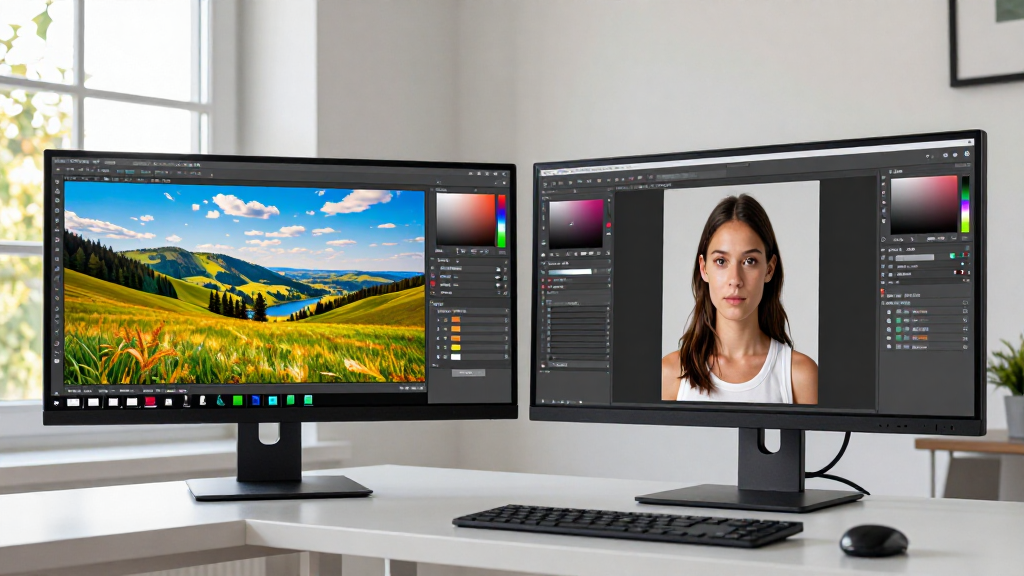
Adobe Photoshop is the gold standard for raster graphics, but it is expensive.
- GIMP (GNU Image Manipulation Program): This is the most powerful open-source alternative to Photoshop. It supports layers, masks, and advanced filters. While the interface has a steeper learning curve than Photoshop, it is incredibly versatile for complex photo manipulation.
- Photopea: If you want a web-based tool that looks and feels almost exactly like Photoshop, Photopea is a hidden gem. It can open .PSD files and offers a very similar layout, making it the perfect ’emergency’ alternative for quick edits.
2. Vector Graphics: Inkscape
Adobe Illustrator is the go-to for logos, icons, and scalable illustrations.
- Inkscape: This is the premier free alternative for vector art. It uses SVG (Scalable Vector Graphics) as its native format and offers a robust set of tools for drawing, paths, and text manipulation. For many hobbyists and small business owners, Inkscape provides everything needed to create professional branding materials without a monthly fee.
3. Video Editing: DaVinci Resolve
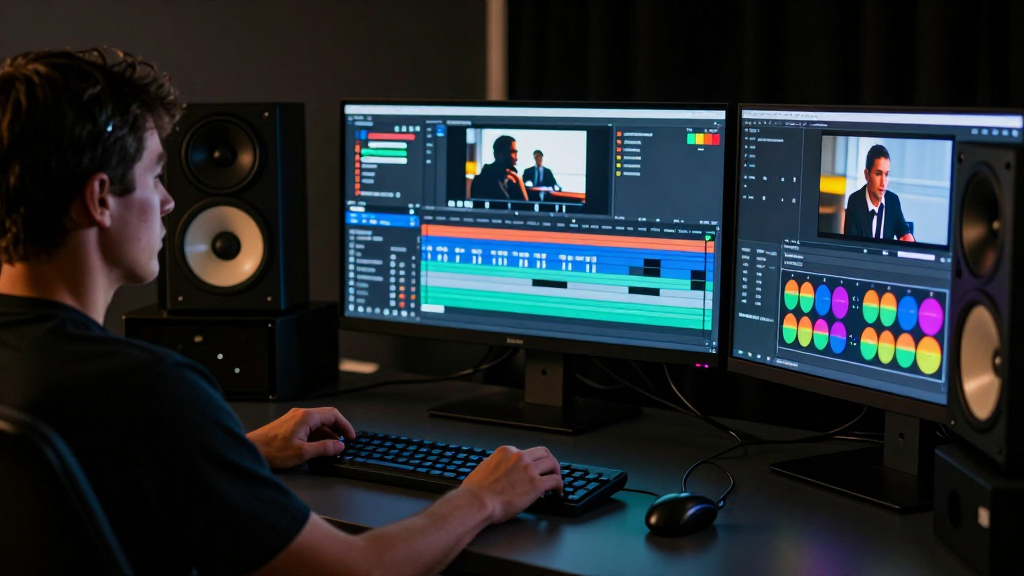
Adobe Premiere Pro is the industry standard for non-linear video editing, but its free alternative is arguably even more powerful in some areas.
- DaVinci Resolve: While there is a paid Studio version, the free version of DaVinci Resolve is incredibly generous. It is used by professional colorists and editors worldwide. It handles 4K footage, features a world-class color grading suite, and includes Fairlight for audio post-production. It is the single best ‘pro-level’ free alternative to Premiere Pro.
- CapCut (Desktop): For social media creators who need fast, trendy effects and auto-captions, CapCut has become a massive competitor to Premiere Pro’s simpler workflows.
4. Motion Graphics and VFX: Blender
Adobe After Effects is the powerhouse for 2D animation and 3D compositing.
- Blender: While After Effects handles 2D motion graphics, Blender is the king of 3D modeling, animation, and VFX. It is completely free and open-source. If your work involves 3D elements, Blender is actually a more comprehensive tool than After Effects, though it requires significant time to master.
5. Desktop Publishing: Scribus
Adobe InDesign is used for layout design (magazines, brochures, books).
- Scribus: This is the leading open-source alternative for page layout. It supports professional printing features like CMYK color, spot colors, and DTP (Desktop Publishing) standards. It’s perfect for those who need to create print-ready PDFs without the InDesign subscription.
Comparison Summary: Adobe vs. Free Alternatives

| Feature | Adobe Creative Cloud | Free Alternatives |
|---|---|---|
| Cost | High Monthly Subscription | Free / Open Source |
| Learning Curve | Moderate (Standardized) | |
| Industry Adoption | Extremely High | Moderate to Low |
| AI Features | Industry-Leading | Limited / None |
| Collaboration | Seamless Cloud Sync | Manual File Sharing |
| Best For | Professionals & Agencies | Hobbyists & Budget-Conscious |
When Should You Stick With Adobe?
Despite the power of free tools, there are scenarios where Adobe Creative Cloud remains the superior choice:
- Agency Work: If your clients expect .AI, .PSD, or .PRPRO files, you need to stay in the Adobe ecosystem to maintain compatibility.
- Fast Turnaround: If you are already trained in Adobe, the time saved by not having to learn a new UI (like GIMP’s) often outweighs the cost of the subscription.
- Advanced AI Needs: If your workflow relies heavily on Generative Fill or complex AI-driven content creation, free tools will currently fall short.
Conclusion
The debate of Adobe Creative Cloud vs. Free Alternatives isn’t about which software is ‘better’ in a vacuum; it’s about which tool fits your specific goals.
If you are a professional working in a studio environment, Adobe remains a necessary investment for compatibility and speed. However, if you are a content creator, a student, or a small business owner looking to build a brand on a budget, the free alternatives are more than capable. Tools like DaVinci Resolve, Inkscape, and GIMP provide professional-grade results that can help you create stunning content without the recurring overhead of a subscription.
Start with the free tools—you might find that you don’t need the ‘pro’ price tag to achieve ‘pro’ results.